
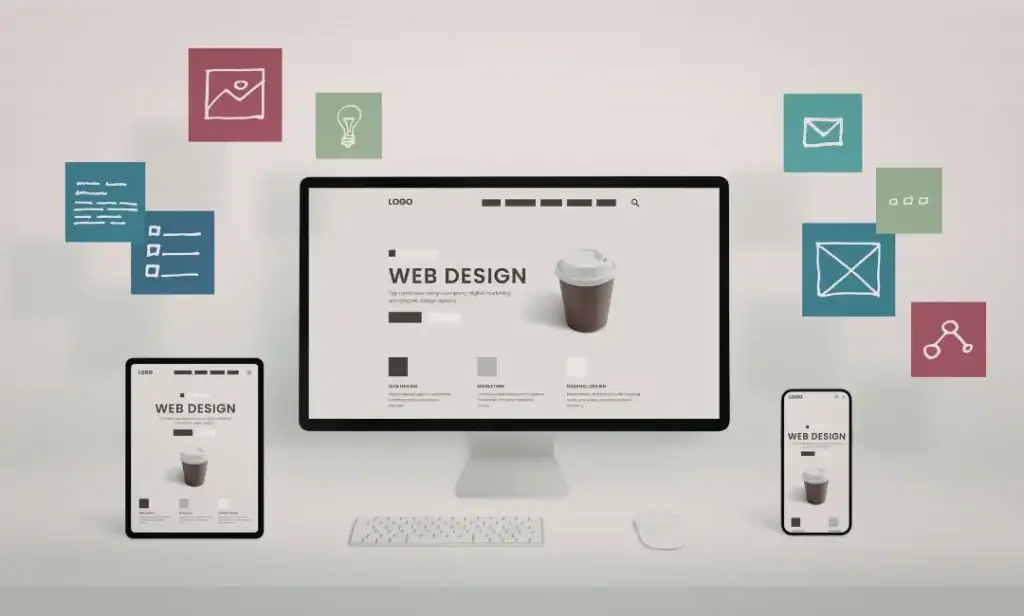
You’ve probably seen “web design” and “UI/UX design” used like they’re the same thing. They’re not. And confusing them can cost you real time, money, and results when you’re building or redesigning a website.
The truth is, these disciplines overlap, but they solve very different problems. Understanding where they split makes the difference between a site that just looks good and one that actually works. Here’s what we’ll cover:
- What web design, UI, and UX actually mean
- Where they overlap and where they don’t
- Which one of your project needs the most
- How to hire the right specialist for the job
- Why combining all three leads to better results
Let’s break it all down.
What Web Design, UI, and UX Mean
These three terms get tossed around like they’re interchangeable. They’re not. Each one plays a specific role in how a website gets built, looks, and feels to the person using it.
| Web Design | UI Design | UX Design | |
| Focus | Overall look and structure | Visual and interactive elements | User journey and satisfaction |
| Key Question | “Does the site look good and work?” | “Are the elements intuitive to use?” | “Does the experience feel seamless?” |
| Core Tasks | Layouts, colors, and responsive design | Buttons, menus, icons, animations | Research, wireframes, user testing |
| Scope | Broad | Narrow and visual | Broad and strategic |
Web Design
Web design is the big picture. It covers the overall visual layout, structure, and functionality of a website. Think of it as the blueprint for your entire online presence. Web designers handle things like:
- Page layouts and content structure
- Color schemes, typography, and imagery
- Responsive design across devices
- Basic coding (HTML, CSS, sometimes JavaScript)
In short, web design answers the question: “What does this website look like, and does it work?”
UI (User Interface) Design
UI zooms in closer. It focuses specifically on the interactive elements a visitor touches, clicks, or scrolls through. Buttons, menus, icons, form fields, hover animations. If a user can interact with it on screen, a UI designer built it.
UX (User Experience) Design
UX is the layer you can’t see but always feel. It’s the strategy behind every click. UX designers research how people behave, map out user journeys, and remove friction so visitors accomplish their goals without even thinking about it.
Pro tip: A site can have beautiful UI and still deliver terrible UX if navigation is confusing or pages load slowly. Looks alone don’t convert.
Where They Overlap and Don’t
The key differences between web design, UI, and UX can blur fast. All three share a common goal: crafting exceptional digital experiences that satisfy users. Both UX and UI designers care deeply about how users interact with a digital product. And most web designers focus on visual design principles that overlap heavily with UI design.
But here’s where they split.
The Common Ground
- All three prioritize responsive design across screen sizes
- Each role considers visual hierarchy and information architecture
- Both UX and UI designers collaborate closely during the design process
- Web designers often wear UI hats, especially at smaller studios
Where They Diverge
| Area | Web Design | UI Design | UX Design |
| Primary lens | Aesthetics + function | Interactive elements | User behavior |
| Research depth | Minimal | Moderate | Heavy (user surveys, user personas) |
| Deliverables | Finished web pages | Screen layout mockups | User flows, wireframes |
| Coding involved? | Often yes | Sometimes | Rarely |
UX design focuses on why users do what they do. UI design focuses on what they see and touch. Web design ties it all together into a working site.
Which One Does Your Project Need?
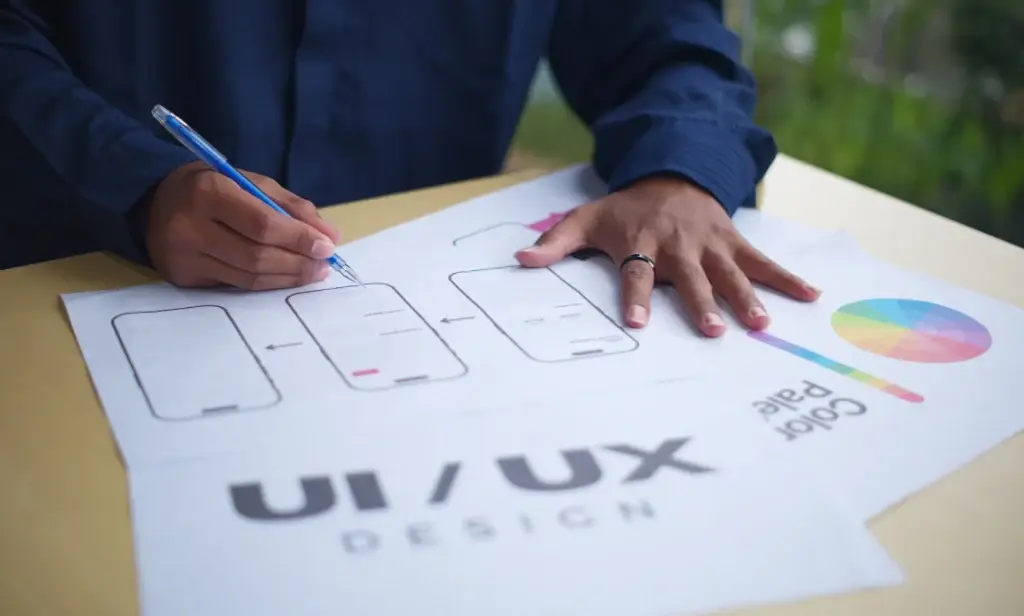
Not every project demands all three roles. The right pick depends on where your biggest gaps are. If your site looks outdated but functions fine, a web designer or user interface designer can refresh the visual elements and brand identity. If visitors show up but bounce without converting, that’s a UX problem rooted in poor user experience design.
Here’s a quick guide:
- New website from scratch? You need all three. A UI UX designer handles the experience and interaction design, while a web developer tackles the technical aspects of web development.
- Redesigning an existing site? Start with UX. Run usability testing with actual users. Understand user needs before touching a single pixel.
- Building web applications or mobile interfaces? Prioritize a dedicated UI UX designer who understands user interaction and human-computer interaction at a deeper level.
- Simple brochure site? A skilled web designer who understands visual design and responsive design can likely handle it solo.
Pro tip: If your budget only allows one hire, look for a hybrid professional. Many graphic designers have expanded into UI design, and some UX designers work across both UX and UI. This career path has seen tremendous growth in recent years.
This is also where working with a full-service studio like 5Bricks pays off. Instead of hiring and managing separate specialists, our team covers web development, design, and ongoing technical support under one roof. One point of contact. No gaps between disciplines.
Hiring the Right Specialist
Hiring the wrong type of designer is one of the most expensive mistakes in website development. A graphic design background doesn’t automatically mean someone can create functional user flows or run user research. And a full-stack developer who codes beautifully may have zero understanding of user experience design.
What to Look For
When hiring a web designer:
- Portfolio of visually appealing websites with strong brand identity
- Proficiency in HTML/CSS and responsive design
- Solid grasp of visual assets, typography, and visual design principles
When hiring a UI designer:
- Work showcasing interactive elements, screen layout, and other interactive elements
- Experience with tools like Figma, Sketch, or Adobe XD
- Knowledge of interaction design and how UI design focuses on creating intuitive digital design
When hiring a UX designer:
- Case studies demonstrating the design and user research process
- Evidence of usability testing, user personas, and user journey mapping
- Ability to understand user behavior and translate findings into innovative ideas
Pro tip: Always test-drive a candidate’s past projects yourself. Click around. If you get lost or frustrated, your target users will too.
Not sure where to start? 5Bricks removes the guesswork entirely. Our team includes back-end developers, front-end developers, and project managers who study the domain before writing a single line of code. You don’t have to vet five freelancers. You get a team that’s already aligned.
Why Combining All Three Wins
Here’s the truth most people miss. You can have the most visually appealing site on the internet, but if the user experience is broken, visitors bounce. Conversely, a seamless user journey wrapped in ugly UI won’t inspire trust or ensure users stick around.
The real results come when all three disciplines work in sync.
What Each Role Brings to the Table
- UX designers work to map out user flows, run user testing, and ensure users accomplish their goals without friction.
- UI designers focus on making every visual element intuitive, polished, and on-brand across all mobile interfaces and screen sizes.
- Web designers and developers bring those creative ideas to life, ensuring the digital design performs as beautifully as it looks.
What Happens When They Work Together
| Discipline | Without the Others | Combined With All Three |
| UX alone | Smart strategy, but ugly and hard to build | Strategy that drives every design decision |
| UI alone | Looks stunning, but confusing to navigate | Visually appealing websites that convert |
| Web dev alone | Functional code, but no user satisfaction | Clean, fast web applications users love |
This combined approach is what separates forgettable websites from exceptional digital experiences. When UX focuses on strategy, UI handles the polish, and web development manages execution, you get a digital product that doesn’t just look good. It converts.
How 5Bricks Brings It All Together
That’s exactly how 5Bricks operates. Our developers don’t just build sites. They research the domain first, test the final product, and provide ongoing technical support if anything breaks post-launch.
Here’s what that looks like in practice:
- Domain research before a single line of code gets written
- Modern technologies powering innovative ideas and creative ideas
- Turnkey delivery covering web development, visual design, and interaction design
- Post-launch support so your site stays stable and your users stay happy
It’s not just website development. It’s crafting a complete, user-centered experience from concept to launch and beyond. When you’re ready to stop guessing and start building something that actually works for your target users, a team that combines all three disciplines is the smartest investment you can make.
Are You Ready to Build It Right With 5Bricks?
So, is web design and UI UX the same? Not even close. But they need each other. UX designers focus on how people move through your site. UI makes every interaction feel effortless. Web design brings it all together into something real.
Key takeaways
- Web design covers the overall look, layout, and functionality of your site
- UI design handles the visual and interactive elements that users touch and click
- UX design drives the strategy behind every user journey and decision
- Combining all three is what creates true user satisfaction
- Always hire based on your project’s specific gaps, not generic titles
If you want a site where UX, UI, and web development actually work as one, 5Bricks is built for exactly that. Our team researches your domain, designs with your users in mind, builds with modern technologies, and sticks around for technical support long after launch.
No disconnected freelancers. No guessing. Just a unified team focused on crafting exceptional digital experiences from day one.